

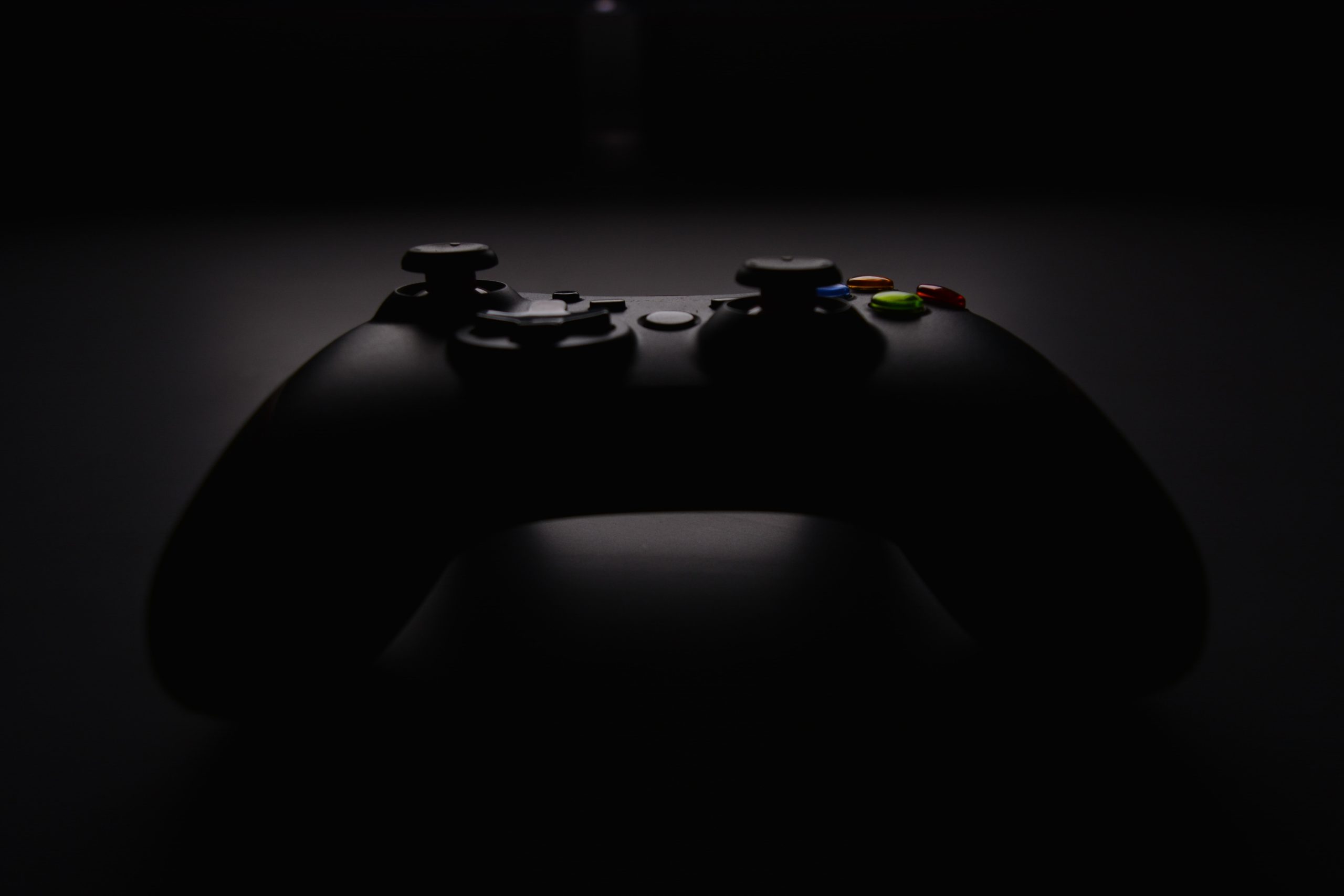
Things that can go wrong with the Xbox One and how to fix them
11 September 2020Things that can go wrong with the Xbox One and how to fix them
It can be frustrating to sit down to play your favourite game and realize that your Xbox One console isn’t working as it should. There are several issues or problems that can affect your gaming experience or prevent you from using your Xbox One.
Here are some of the most common problems that occur with the Xbox One console and how to fix them.
The disc player is making a grinding sound
Fortunately, the squeaking sound will not damage your game discs. However, it will still be impossible for the console to read the disc and start the game.
If your Xbox One is still under warranty, you can contact Microsoft for a console repair or replacement. It is also possible to return the console to the store where you bought it to make an exchange.
If your Xbox One is no longer under warranty, it’s best to contact a professional to get your game console repaired. We don’t recommend you try to repair the console yourself by opening it up as, if you aren’t familiar with this type of technology, you may further damage your Xbox One or its disc drive.
The Xbox One no longer lights up
In most cases, the problem is the power cable. First of all, make sure that everything is connected to your console. Also, check the light on your cable adapter. If the light is white or orange, everything is working. If there is no light, or if it is flashing or flickering, your power cable needs to be replaced.
If your cable works, but your Xbox One console still won’t turn on, here are some other things to try:
- Plug the power cable into another socket.
- Turn on the console using the button on the console rather than the button on the controller.
- Turn off the console completely and unplug it. Wait at least 10 seconds, then plug it back in.
The Xbox One shuts down unexpectedly
There are a number of reasons why your console may shut down on its own. First, check the ventilation. If the console is overheating, turn it off and let it cool down for at least an hour before using it again.
The problem may also be the power cable. Check that the light on the adapter is on and not flickering. Also, check that all cables are connected and working.
Finally, the problem could also be the console settings. Make sure that the setting that allows the console to shut down after a certain time is disabled. To do this, go to Settings, then Power & Supply. Choose Turn Off After, then select Don’t Turn Off Automatically.
Other common Xbox One problems
Some users experienced other types of problems with their Xbox One, including games that won’t install, the inability to update or problems with the controllers. For any issue, don’t hesitate to contact us.
Our team of experts can repair your Xbox One quickly so that you can continue to play as if your console was brand new!


Articles similaires
The 5 most common reasons to repair your iPhone
Unfortunate incidents involving your iPhone can happen at any times. Even if you are very careful, there is still a risk of dropping it or damaging it. In this article, we’ll take a look at the five most common reasons to repair your iPhone. 1. Replacing the LCD screen Many signs can indicate a broken […]
Personalize your electronic devices with CD Solution laser engraving Solution
Companies must find original ways of standing out in today’s competitive business world. Adding your company logo to your electronic devices effectively reinforces your brand image and creates a lasting impression. That’s where CD Solution comes in. We offer a customized solution for your company, applying your logo, slogan or icon that represents you to […]
What should you do if your phone gets wet?
There’s nothing more frustrating than dropping your phone in water or other liquids. During summer and in warm weather, an accident near the pool can happen quickly. If your phone has taken an accidental dip or been dropped in a liquid, here are some tips to help you fix it. Phone immersed in water: steps […]
